What it does
Dictiq turns speech into text anywhere you can type, and runs locally by default. English, Spanish, French, Arabic, Urdu and Hindi. English is free. Try everything for seven days, once, then keep the rest for about the price of a pizza.
Press a hotkey and speak
Dictate into any app you can type in.
On-device by default
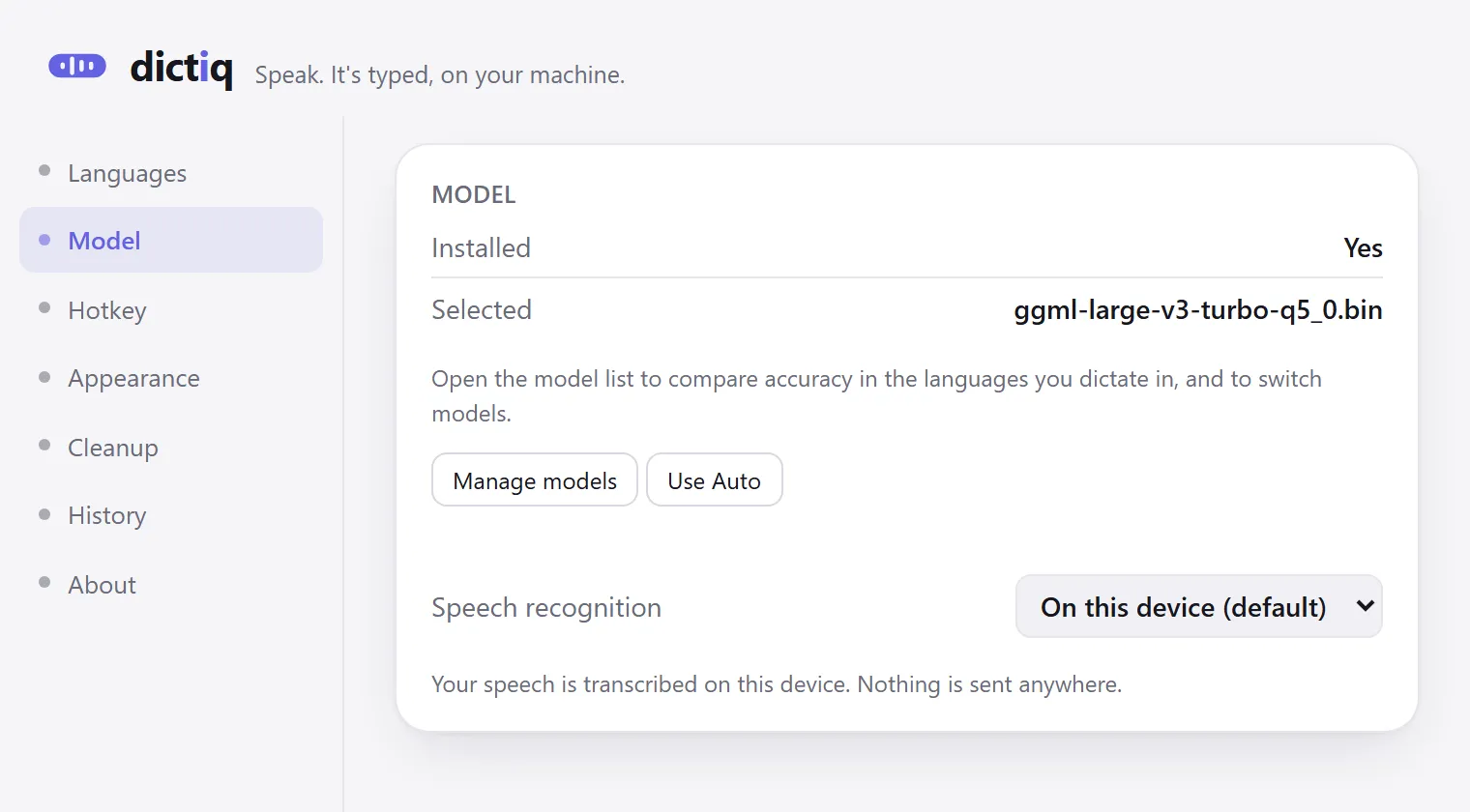
No backend server, no user database, no account, no login. Your speech is transcribed and cleaned on your machine.
Languages
English, Spanish, French, Arabic, Urdu and Hindi. Whatever Dictiq transcribes is inserted correctly into the app you are writing in: right-to-left text stays right to left, and a sentence mixing Urdu and English keeps its direction on both halves. English is free; the unlock adds the rest.
No subscription, no telemetry
No account, no login, and no telemetry, ever.
Questions
Which languages can I dictate in?
English, Spanish, French, Arabic, Urdu and Hindi. English is free and the one-time unlock adds the other five. Whatever Dictiq transcribes is inserted correctly into the app you are writing in: right-to-left text stays right to left, and a sentence mixing Urdu and English keeps its direction on both halves.
How do I start dictating?
Press the hotkey and speak. Dictiq types the text into whatever you are writing in, so there is no separate window to paste out of.
Does it work offline?
Dictiq works offline once the models you chose are downloaded. Downloading a model is the one thing that needs a connection, and you choose which ones.
What is free, and what does the unlock add?
English dictation is free and stays free. The unlock is a one-time payment, not a subscription, and it adds the other five languages.
Which Windows versions does it run on?
Windows 10 and 11, 64-bit.
Is there an account, or any telemetry?
No account, no login, and no telemetry, ever. There is no backend server and no user database, so there is nothing to sign in to.
Privacy
What it collects: Nothing. There is no backend server, no user database, no account and no login. What leaves your machine: Nothing you dictate, unless you switch on your own endpoint. That is off by default and part of the one-time unlock: you supply the address and the key, and Dictiq then sends your text there and nowhere else, and keeps no copy of it. The only other network use is downloading the language models you choose and Microsoft Store licence validation. The settings window is drawn with the Edge WebView2 component built into Windows. That component talks to services of its own, including diagnostics it sends Microsoft under your Windows Diagnostics & feedback setting, and it cannot be told not to. It is Windows', not ours: it never sees your dictation, and nothing from it reaches us.
What it costs
Free in English. The rest is a one-time unlock.
Pricing is set at release. It will be a one-time price, not a subscription.
Also from the studio
Questions or problems: support@hardboundstudio.com. A person reads every message.